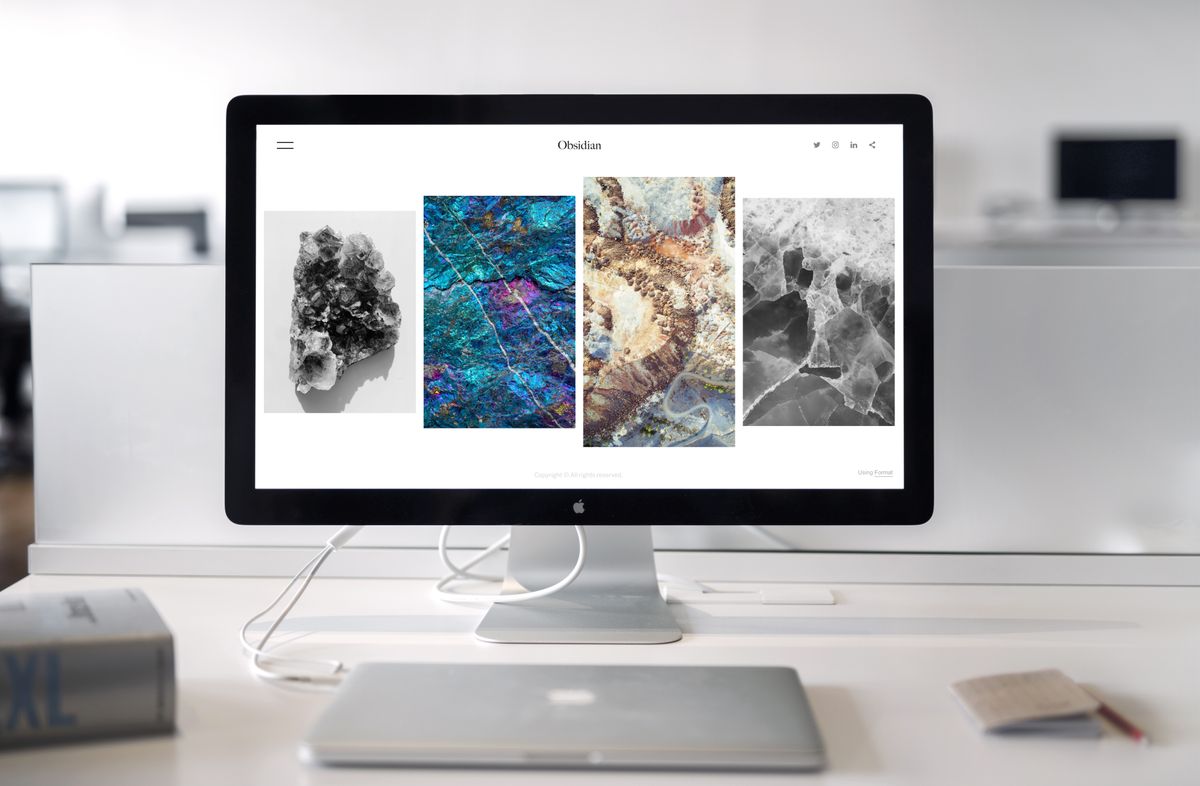
Monitors & Displays: picking the right screen setup
Eye strain complaints drop measurably once a monitor sits at the correct distance — roughly 20 to 40 inches depending on screen size, with the top of the screen at or below eye level. This hub covers the core display decisions: ultrawide versus dual monitors, 4K versus 1440p for everyday productivity, monitor arms versus stands, and whether a $30 to $50 light bar is worth adding. The monitor distance calculator turns screen size and desk depth into an exact recommended distance.
Helpful tools for this topic
Free and no sign-up needed. These tools do the calculating and planning for you.
All guides on Monitors & Displays

Monitor Risers and Desk Shelves: The Neck-Saving Upgrade You Keep Ignoring
Your monitor is probably too low and your neck is paying for it. Here is the no-nonsense breakdown of desk shelves, monitor risers, and which one your setup actually needs.
Read guide →
How to Set Up a Day Trading Desk (Without Going Overboard)
Day trading desks need multiple screens, reliable power, and a layout that keeps critical information visible at all times. Here's how to build one sensibly.
Read guide →
7 Monitor Stands and Risers Ranked: Which One Earns Its Desk Space?
Monitor stands promise better ergonomics and desk organization. We tested the most popular types to find out which ones actually deliver.
Read guide →
How to Clean and Maintain Your Desk Gear So It Lasts
Your keyboard is dirtier than you think. Here's a practical guide to cleaning and maintaining every piece of your desk setup — from monitors to mousepads.
Read guide →
The Ideal Desk Setup for Graphic Designers and Illustrators
Creative work demands more from your workspace than a standard office job. Here's how to build a desk setup tuned for design, illustration, and visual work.
Read guide →
Are Monitor Light Bars Worth It? An Honest Answer
A monitor light bar lights your desk without glare on the screen. Here is who actually needs one, who should skip it, and how it differs from bias lighting.
Read guide →
How to Add a Second Monitor Without Breaking the Bank
A dual monitor setup doesn't require two identical screens. Here's how to add a second display for under $150 and actually make it work well.
Read guide →
How to Actually Use Two Monitors (Without Just Having More Tabs Open)
Read guide →
Desk Shelves and Monitor Risers: Which One Actually Helps?
Read guide →
Monitor Light Bars: Are They Worth the Hype?
Monitor light bars promise zero-glare desk lighting. Here's whether they actually deliver, plus which ones are worth buying.
Read guide →
Does Blue Light Actually Ruin Your Sleep? What the Science Says
Blue light glasses are everywhere, but do they actually help? Here's what current research says about screens, sleep, and whether you need to worry.
Read guide →
Screen Distance and Eye Level: A Quick Setup Guide
Your monitor is probably too close, too low, or both. Here's a 5-minute fix that eliminates neck strain and eye fatigue based on your specific screen size.
Read guide →
4K vs 1440p for Productivity: Is the Upgrade Worth It?
4K monitors are getting cheaper, but does higher resolution actually make you more productive? A practical comparison for remote workers who don't game.
Read guide →Why a Monitor Arm Is the Most Underrated Desk Upgrade
A $30-130 monitor arm transforms your desk more than any other single purchase. Here's why it matters and which one to buy for your setup.
Read guide →
Ultrawide vs Dual Monitors: Which Setup Suits Remote Work?
One big screen or two regular ones? Both setups have real advantages depending on how you work. Here's a practical comparison from someone who's tried both.
Read guide →New guides on Monitors & Displays are added regularly and appear here automatically as soon as they go live.
Frequently asked questions
Is 4K worth it over 1440p for office work?
1440p is usually the better cost-to-benefit pick for productivity — sharper than 1080p, without the GPU and scaling headaches 4K can introduce at smaller sizes. 4K becomes clearly worthwhile above 32 inches or for detailed photo/video work where extra pixel density matters.
Ultrawide monitor or dual monitors — which is better?
An ultrawide gives one continuous workspace with no bezel gap, which suits video editing and wide spreadsheets; dual monitors make it easier to fully maximize two separate apps side by side. Desk depth is often the deciding factor — dual monitors need more front-to-back space to sit at a comfortable distance.
How far should my monitor be from my eyes?
Roughly 20 to 40 inches (an arm's length) is the standard recommendation, adjusted up for larger screens and down slightly for smaller ones or higher text scaling. The top of the screen should sit at or just below eye level to avoid neck strain.
Do I need a monitor arm, or is a stand good enough?
A stand is fine if the built-in height is already correct and you don't need to adjust position often. A monitor arm becomes worthwhile when the stand height is wrong, when saving desk depth for typing space matters, or when running dual/ultrawide monitors that need precise alignment.
Are monitor light bars actually worth buying?
A light bar mounted above the screen reduces the contrast between a bright monitor and a dark room, which measurably reduces eye strain during evening work without adding screen glare the way a desk lamp can. It's a small, inexpensive upgrade with a fairly consistent payoff for anyone working after dark.
What resolution and refresh rate matter most for general productivity?
For text-heavy work, resolution (1440p or higher) matters more than refresh rate — 60Hz is fine unless the monitor also handles gaming. Anti-glare coating and color accuracy matter more for photo/video work than raw refresh rate.