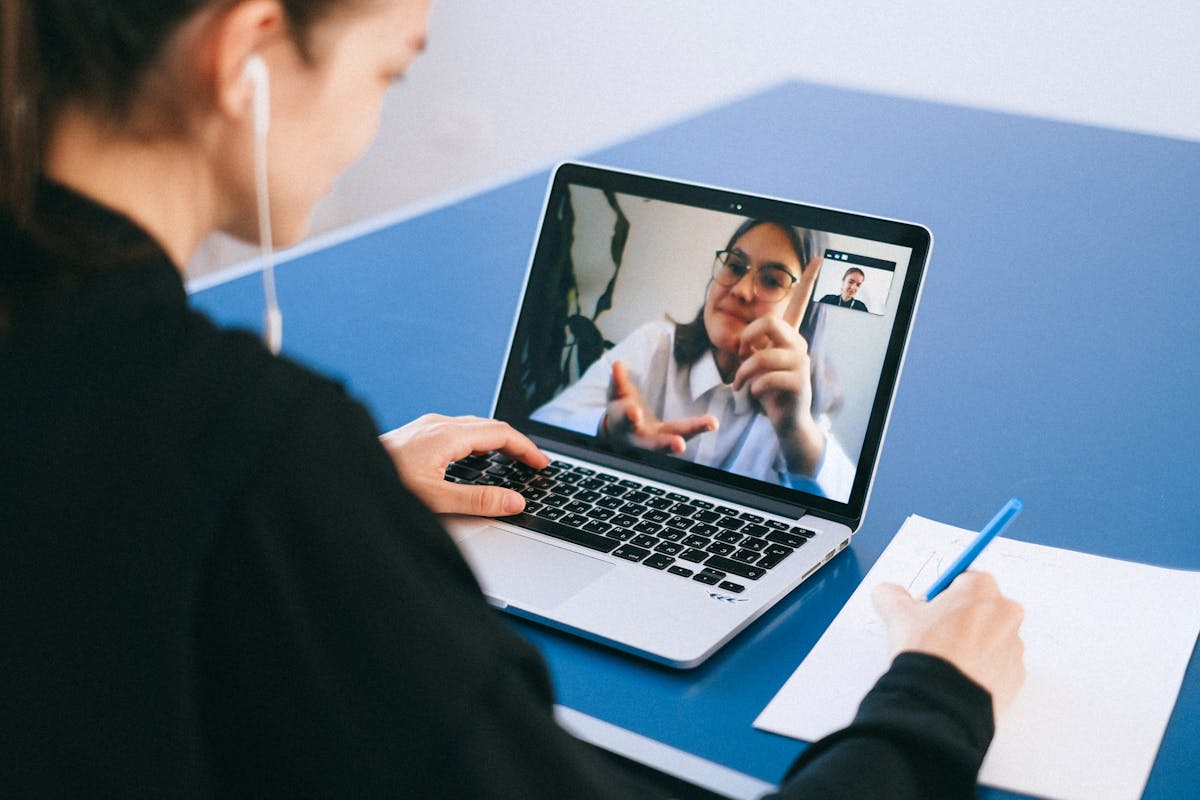
Video Call Setup & Lighting: looking and sounding professional on camera
Webcam placement at eye level, not the 4 to 6 inches below it typical of a lowered laptop screen, is the single change that most improves how someone appears on a video call. This hub covers webcam and lighting setup — including $30 to $50 light bars and monitor risers — acoustic treatment for home offices, and soundproofing basics for calls in shared spaces. Together these fixes typically cost under $100 and matter more than upgrading the webcam itself.
All guides on Video Call Setup & Lighting

Webcam Lighting That Actually Makes You Look Good on Camera
Your webcam isn't the problem — your lighting is. Here's how to set up flattering, professional lighting for video calls without spending a fortune or cluttering your desk.
Read guide →
How Acoustic Panels Transform a Noisy Home Office
Echo-filled rooms ruin video calls and drain your focus. Here is a practical guide to acoustic treatment that actually works — without turning your office into a recording studio.
Read guide →Noise-Canceling Headphones for Working From Home: What Actually Matters
Read guide →
Your Desk Setup Doubles as a Streaming Station (Here's How)
Read guide →
Set Up Your Desk for Video Calls That Actually Look Professional
Read guide →
Home Office Soundproofing: Block Outside Noise Without a Renovation
Read guide →
5 Webcam Lighting Fixes That Make You Look Like a Pro
Read guide →
How to Add Acoustic Panels to Your Home Office (Without Ruining the Vibe)
Read guide →
Acoustic Treatment for Video Calls: Stop Sounding Like a Cave
Echo and reverb make you sound unprofessional on calls. Here's how to fix your room's acoustics without turning it into a recording studio.
Read guide →
Webcam Placement and Lighting for Better Video Calls
Looking washed out or like a shadow on calls? Your webcam angle and lighting are probably off. Here's the 5-minute fix.
Read guide →New guides on Video Call Setup & Lighting are added regularly and appear here automatically as soon as they go live.
Frequently asked questions
What's the biggest lighting mistake on video calls?
Sitting with a window or bright light source behind you throws your face into shadow and forces the camera to expose for the background, not for you. Facing a window, or adding a front-facing light, fixes most of the problem without any other changes.
Is a webcam light bar or a separate desk lamp better for calls?
A light bar mounted above or below the monitor gives more even, front-facing light without the harsh shadows a side-positioned desk lamp often creates. A desk lamp works if angled correctly, but takes more trial and error to position well.
How do I reduce echo and background noise on calls without renovating?
A few acoustic panels on the wall behind you and a rug or soft surface on a hard floor absorb enough reflected sound to noticeably reduce echo, without needing full soundproofing. Closing a door and adding soft furnishings (curtains, a couch) also helps more than most people expect.
What height should my webcam be for video calls?
Eye level, or very slightly above, is the standard recommendation — most laptop webcams need to be raised with a stand or monitor riser to hit this, since built-in webcams sit too low on a lowered laptop screen. A separate webcam on the top of an external monitor solves this automatically.
Do I need soundproofing, or is basic acoustic treatment enough?
True soundproofing (blocking sound from entering or leaving a room) requires structural changes; acoustic treatment (absorbing echo within the room) is far cheaper and solves most home-office audio complaints, which are usually about echo, not noise from outside.
Does webcam resolution matter as much as lighting?
Good lighting improves perceived video quality more than upgrading from a 1080p to a 4K webcam — most video call platforms compress the stream heavily regardless of source resolution. Lighting and eye-level framing are the higher-impact, lower-cost fix.